 EmTech Media
macOS · Mac · Speed & performance
Speed up a sluggish MacBook
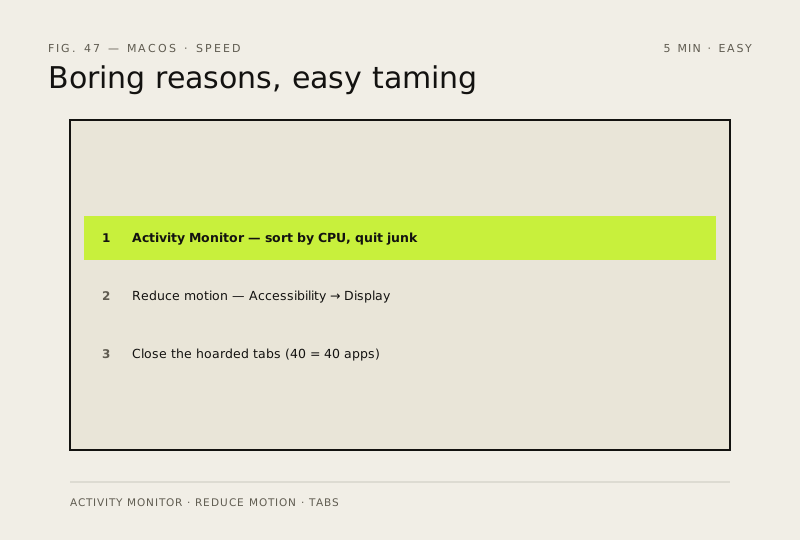
Old MacBooks slow down for boring reasons: background apps and effects. Both are easy to tame.
Before you start
Low risk. This change is reversible — you can return to the previous state without professional help or data loss.
Steps
- Open Activity Monitor (Cmd + Space → 'Activity')
- Sort by CPU and quit anything you don't recognise or need
- System Settings → Accessibility → Display → turn on 'Reduce motion'
- Close the browser tabs you've been hoarding — each one is a small app
How to verify the fix
Activity Monitor shows no runaway CPU processes, and the Mac feels responsive with Reduce motion on.
If this didn't fix it
The MacBook is still sluggish after quitting hogs — check storage headroom (keep about 10% free) before assuming hardware failure.
Next stop: the related fixes below, or start a guided diagnosis.