 EmTech Media
macOS · Mac · Speed & performance
Tame Spotlight indexing on extra drives
Spotlight re-indexes every drive it can see. On an older Mac with a big external HDD, that background work is often your whole 'slowness'.
Before you start
Low risk. This change is reversible — you can return to the previous state without professional help or data loss.
Steps
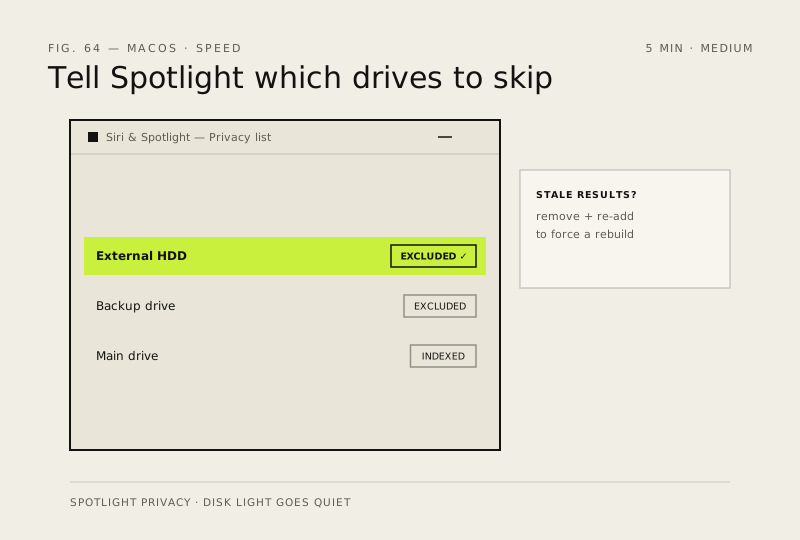
- System Settings → Siri & Spotlight → Spotlight Privacy (older macOS: the Spotlight tab in System Preferences)
- Add any external or backup drives you don't need to search — they stop being indexed and the disk light goes quiet
- Keep your main drive indexed; if search results feel stale, remove it from the list and re-add it to force a clean rebuild
How to verify the fix
The disk activity light goes quiet on the excluded drives, and Spotlight still finds files on your main drive instantly.
If this didn't fix it
Search results feel stale or missing — re-add the main drive to Spotlight Privacy to force a clean rebuild.
Next stop: the related fixes below, or start a guided diagnosis.