 EmTech Media
Any · Maintenance
Make your laptop battery last longer
Batteries age from heat and from sitting at 100% all day. A few settings slow the ageing down noticeably.
Before you start
Low risk. This change is reversible — you can return to the previous state without professional help or data loss.
Steps
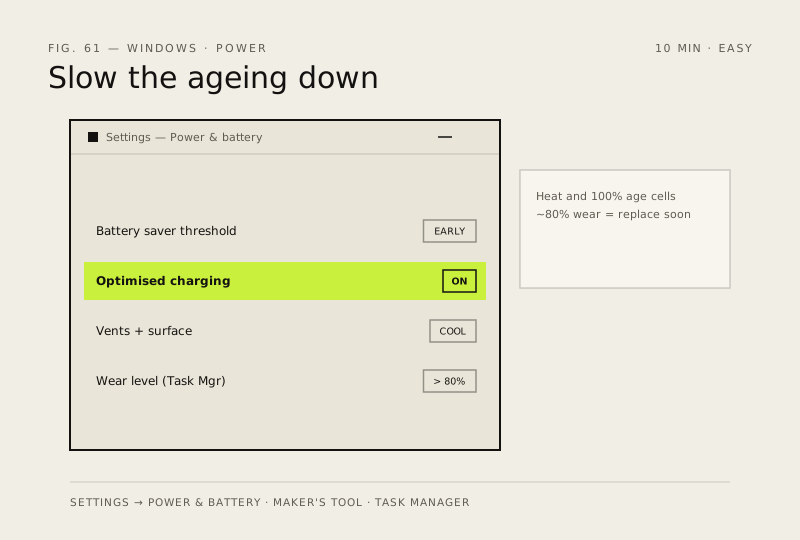
- Settings → System → Power & battery → turn on Battery saver below 20%, or set it to kick in earlier if you're always on the move
- Enable Optimised charging in your laptop maker's tool (Lenovo Vantage, MyASUS, Dell Power Manager) so the machine stops holding 100% overnight
- Keep it cool: run on a hard surface, not a duvet; dust out the vents once or twice a year (see the overheating fix)
- Check health any time: Task Manager → Performance → Battery shows wear and design capacity — under ~80% of design is when replacement starts to make sense
How to verify the fix
Battery saver kicks in below your threshold, Optimised charging is on, and Task Manager → Battery shows wear level.
If this didn't fix it
Runtime still drops fast — check for a background app draining power (Task Manager) before assuming battery failure.
Next stop: the related fixes below, or start a guided diagnosis.