 EmTech Media
Win 10 / 11 · Cleaning
Clean up temp files and browser cache properly
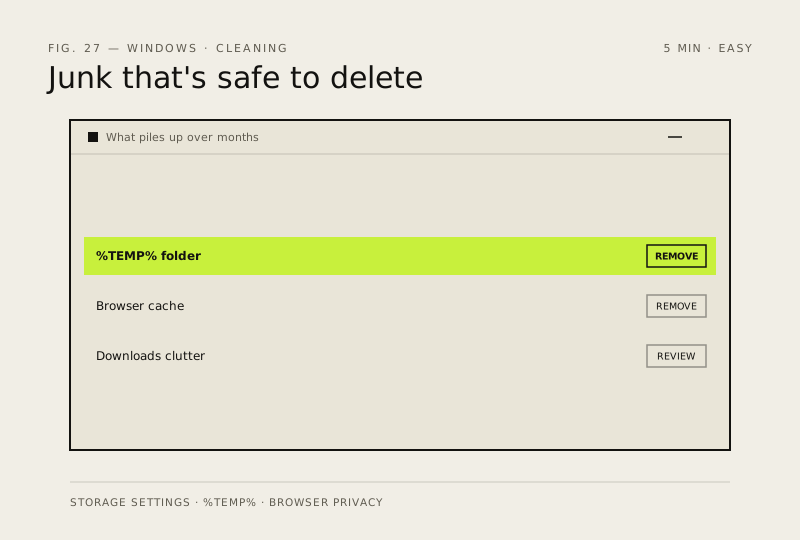
Temp files and caches pile up gigabytes over months. They're safe to delete — that's what they're for.
Before you start
Low risk. This change is reversible — you can return to the previous state without professional help or data loss.
Steps
- Settings → System → Storage → Temporary files → tick what you want and Remove files
- Also: win+r → %temp% → Ctrl+A → Delete (skip files in use)
- In each browser: Settings → Privacy → Clear browsing data → Cached images and files
How to verify the fix
Storage shows freed space, and browsers and apps still work normally after clearing caches.
If this didn't fix it
Apps misbehave or logins drop after a cache clear — re-sign in; if little space was freed, the big files are elsewhere on disk.
Next stop: the related fixes below, or start a guided diagnosis.