 EmTech Media
Win 10 / 11 · Cleaning
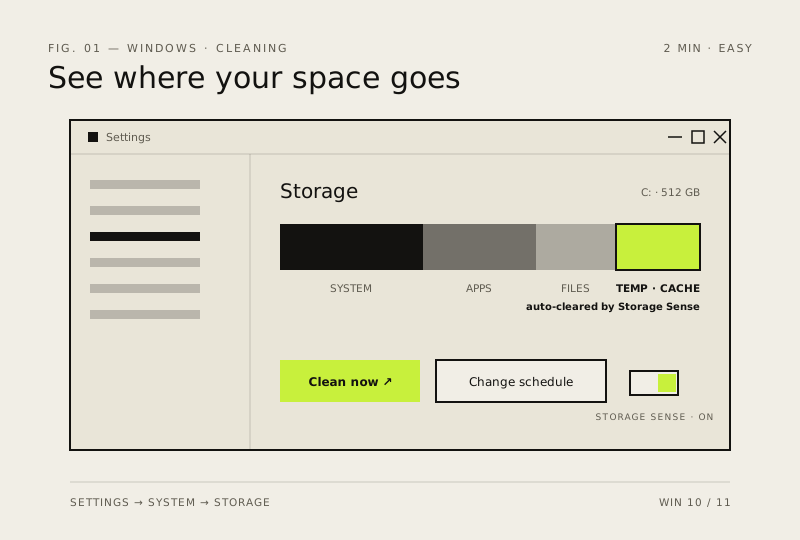
Let Windows' Storage Sense do the work for you
Fully-automated junk cleanup. Turn it on once and forget about disk bloat until your next OS install.
Before you start
Low risk. This change is reversible — you can return to the previous state without professional help or data loss.
Steps
- Settings → System → Storage → turn on Storage Sense
- Click 'Storage Sense' again to set when it runs (daily / weekly / monthly)
- Enable 'Delete files in Recycle Bin after 30 days' and 'Download folder cleanup'
How to verify the fix
Storage Sense runs on its schedule and temp files, Recycle Bin and Downloads clutter are removed automatically over time.
If this didn't fix it
The drive fills up again quickly — Storage Sense isn't covering the real space hogs; check large folders manually.
Next stop: the related fixes below, or start a guided diagnosis.