 EmTech Media
Win 10 / 11 · Cleaning
Uninstall the apps you never use
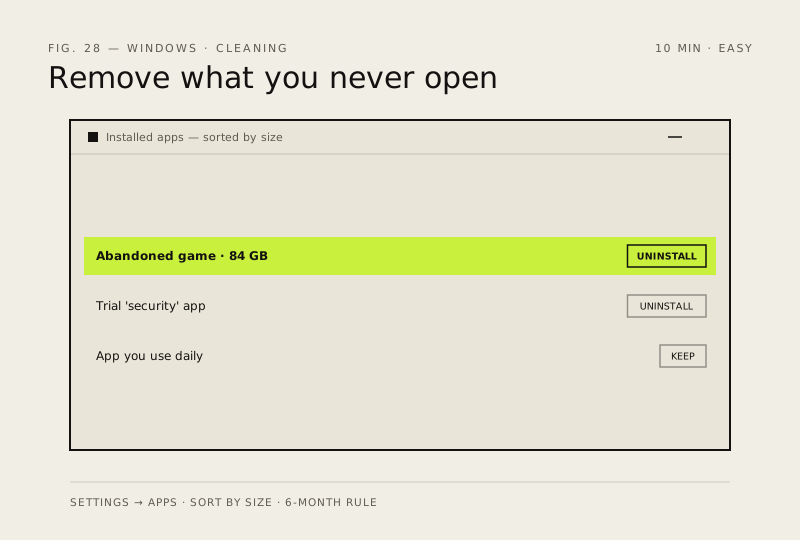
Every installed app is small overhead — background services, update checks, context-menu entries. Remove what you don't open.
Before you start
Low risk. This change is reversible — you can return to the previous state without professional help or data loss.
Steps
- Settings → Apps → Installed apps
- Sort by size — the biggest offenders are usually games you've abandoned
- Uninstall anything you haven't opened in 6 months
- Use the built-in optional-features list to remove bloat you don't use (Xbox extras, sample apps)
How to verify the fix
Uninstalled apps no longer appear in Installed apps, and background overhead (services, update checks) is reduced.
If this didn't fix it
An app you still need is gone or a shortcut breaks — reinstall it from its official source.
Next stop: the related fixes below, or start a guided diagnosis.