 EmTech Media
Win 10 / 11 · Security
Create a local account that doesn't phone home
Microsoft accounts sync your activity to their servers. A local account keeps everything on the machine — ideal for shared or guest PCs.
Before you start
Low risk. This change is reversible — you can return to the previous state without professional help or data loss.
Steps
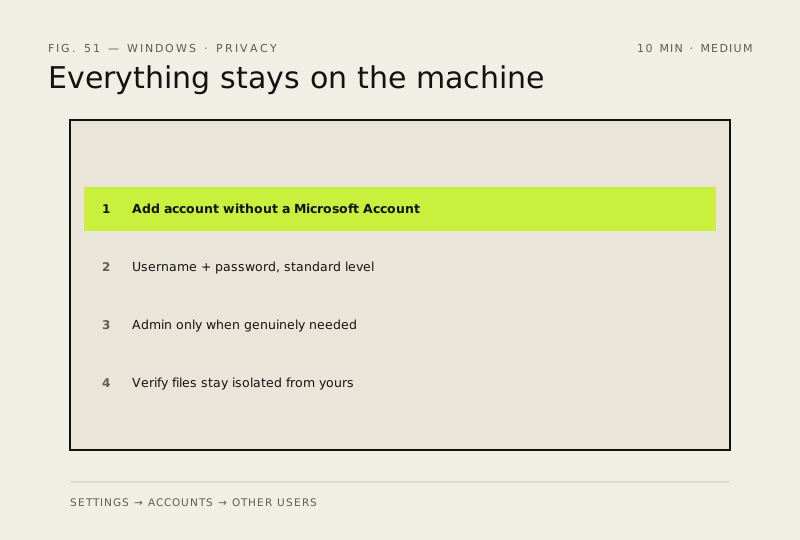
- Settings → Accounts → Other users → Add account, then click 'I don't have this person's sign-in info'
- Choose 'Add a user without a Microsoft Account' and set a username + password
- Faster route from an admin prompt: net user GuestName StrongPass /add — promote with net localgroup Administrators GuestName /add if needed
- Keep it a standard account by default; only grant Administrator when the person genuinely needs system-wide control
- Verify: sign out, log in as the new user, and confirm its files stay isolated from your own profile
How to verify the fix
You can sign in as the new local user and its files stay isolated from your own profile.
If this didn't fix it
The account syncs to a Microsoft account anyway, or you can't sign in — remove it and re-add via I don't have this person's sign-in info.
Next stop: the related fixes below, or start a guided diagnosis.