 EmTech Media
Any · Security
Stop emailing passwords and secrets
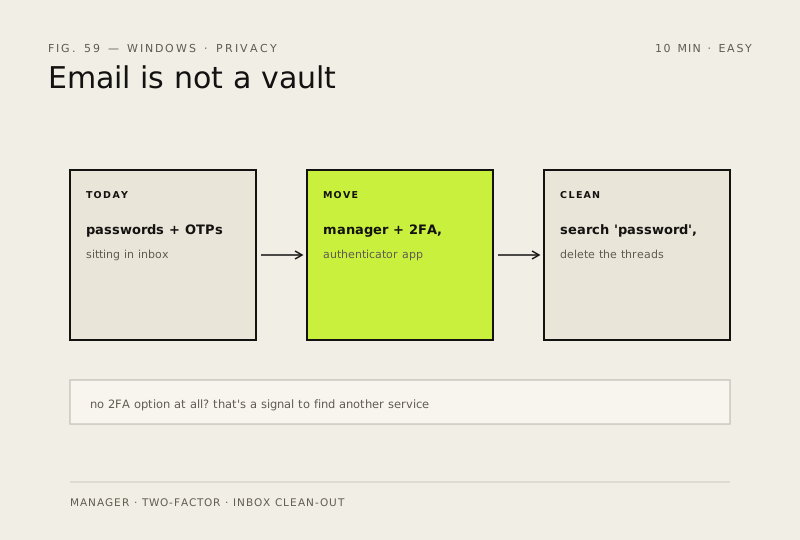
Email is not a vault. Passwords, OTP codes and API keys sitting in an inbox are the easiest win a hacker can get.
Before you start
Low risk. This change is reversible — you can return to the previous state without professional help or data loss.
Steps
- Move everything into a password manager (Bitwarden free, 1Password) — one master password to remember, everything else generated for you
- Turn on two-factor authentication for email, banking and anything that matters; prefer an authenticator app over SMS where possible
- Search your inbox for 'password', 'OTP' and 'verification', then delete those threads once the credentials are moved
- If a service has no 2FA option at all, treat that as a signal to find one that does
How to verify the fix
Your password manager holds the moved credentials, 2FA is on for critical accounts, and old password email threads are deleted.
If this didn't fix it
You can't access a service after moving its password — recover it via that provider's account-recovery flow before deleting anything else.
Next stop: the related fixes below, or start a guided diagnosis.