 EmTech Media
Any · Cleaning
Dodge bundleware when you install anything
Half of every 'my PC is slow' ticket starts at an installer that checked boxes for you. One extra minute per install prevents most of it.
Before you start
Low risk. This change is reversible — you can return to the previous state without professional help or data loss.
Steps
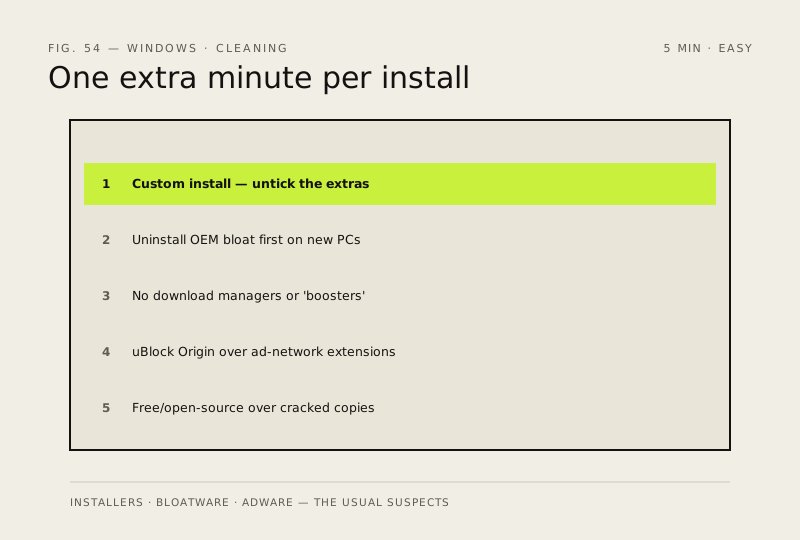
- Always pick 'Custom' (or 'Manual') install and read each screen — untick the toolbars, offer bundles and 'recommended' extras
- On a new PC, uninstall manufacturer bloat first: trial 'security', sponsor apps, utilities you'll never open
- Avoid download managers, Wi-Fi boosters and registry cleaners entirely — they're adware with extra steps; your browser's built-in downloader is fine
- For ad blocking use uBlock Origin instead of extensions that run their own ad networks or inject into checkout pages
- Prefer free/open-source alternatives to paid software over cracked copies — a 'free' installer from a dodgy site is how keyloggers arrive
How to verify the fix
New installs finish without extra toolbars/bundles, and Installed apps shows only what you intended to add.
If this didn't fix it
Unexpected extras appear after an install — uninstall them immediately and use Custom install next time.
Next stop: the related fixes below, or start a guided diagnosis.