 EmTech Media
Any · Security
Kill shady 'PC optimizer' software
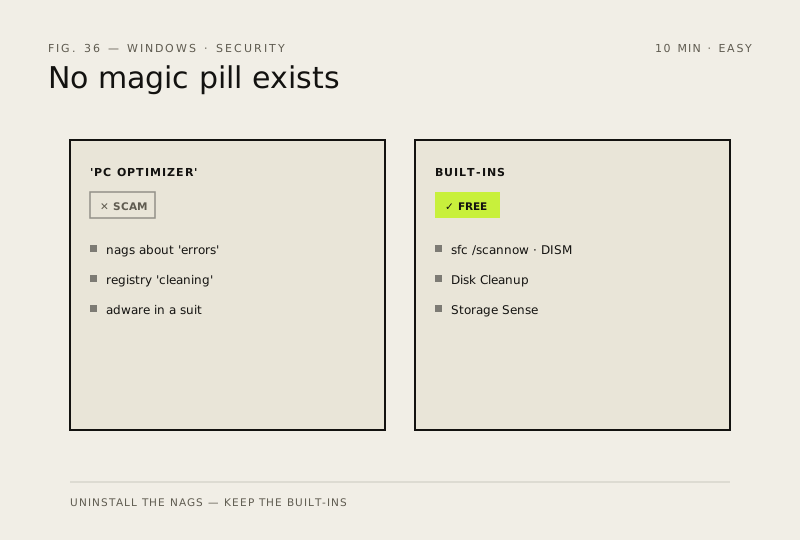
Half of every 'PC repair' product in the world is useless or actively harmful. There is no magic pill that makes Windows faster.
Before you start
Low risk. This change is reversible — you can return to the previous state without professional help or data loss.
Steps
- If a program is nagging you about 'errors', 'registry problems', or 'RAM issues' — uninstall it
- Registry cleaners are scams: the Windows registry is not your hard drive, and 'optimising' it can break things
- The free, built-in tools (sfc /scannow, DISM, Disk Cleanup, Storage Sense) do everything those apps do, better
How to verify the fix
The optimizer is gone from Installed apps and no more registry-problem or RAM-issue pop-ups appear.
If this didn't fix it
It keeps coming back after uninstall — it may be bundled with other software; run a full Defender scan.
Next stop: the related fixes below, or start a guided diagnosis.