 EmTech Media
Any · Hardware
Fix a hot PC for good: the airflow pass
Dust cleaning is a band-aid. The real fix is airflow: cool air in one side, hot air out the other, with nothing blocking either.
Before you start
Low risk. This change is reversible — you can return to the previous state without professional help or data loss.
Steps
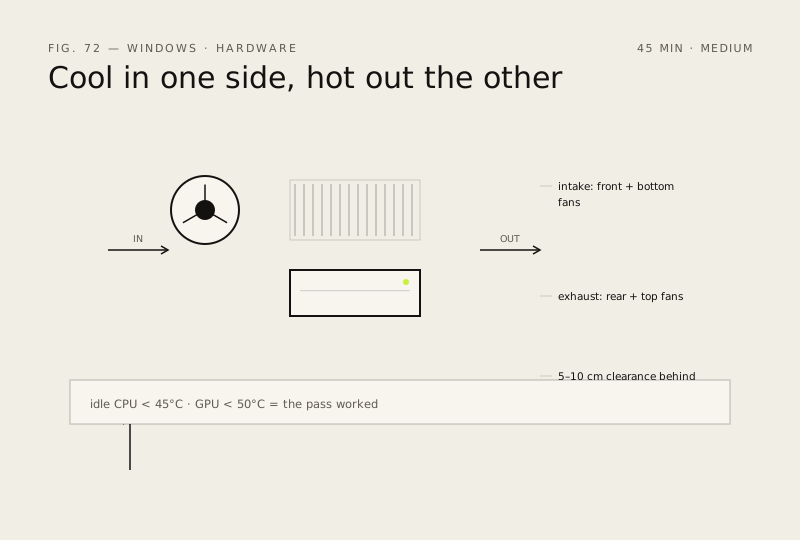
- Map your case: front and bottom fans pull cool air IN (labels face out), rear and top fans push hot air OUT
- If you have no exhaust fan at all, add one at the rear — a single intake with zero exhaust just shuffles warm air around
- Keep 5–10 cm of clearance behind the case; a PC shoved against a wall re-inhales its own heat
- Clean the dust filters (front/bottom) every few months and route cables out of the front intake path
- Verify with HWiNFO64: idle CPU under 45°C and GPU under 50°C means the pass worked
How to verify the fix
HWiNFO64 shows idle CPU under 45C and GPU under 50C, with cool air in one side and hot air out the other.
If this didn't fix it
Temps stay high after the airflow pass — dust filters are blocked or a fan is failing; clean filters and test each fan.
Next stop: the related fixes below, or start a guided diagnosis.