 EmTech Media
Any · Hardware
Size your PSU before the next upgrade
A power supply that's too small is the quiet cause of random shutdowns under load. Sizing it right takes one calculator and ten minutes.
Before you start
Low risk. This change is reversible — you can return to the previous state without professional help or data loss.
Steps
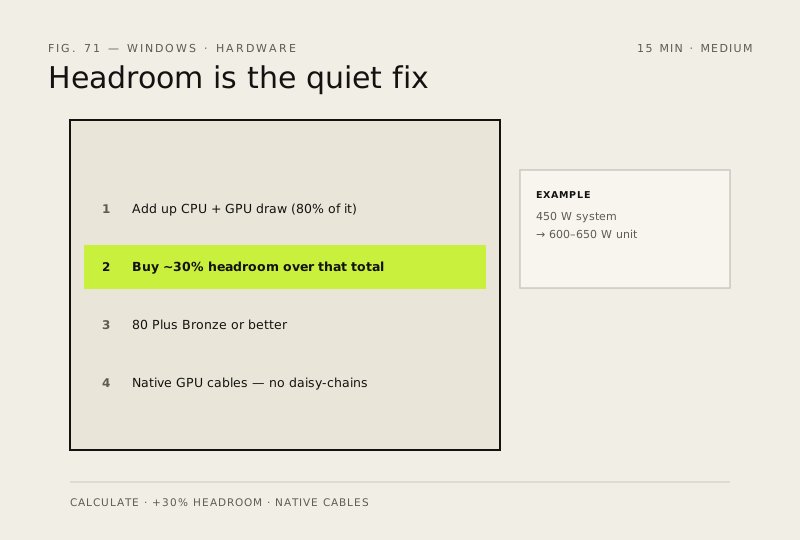
- Add up your parts' typical draw (CPU + GPU are 80% of it) — be honest about the GPU you're planning, not the one you have
- Buy ~30% headroom over that total: a 450 W system wants a 600–650 W unit, which also runs cooler and quieter at part load
- Pick 80 Plus Bronze or better — it's a minimum efficiency floor, not a quality award, but it filters out the worst
- Prefer native cables (the PSU maker's own) over adapters for your GPU; one good cable beats two daisy-chained ones
How to verify the fix
Your calculated draw plus about 30% headroom matches the PSU you choose, and native cables (no daisy-chained adapters) are available for your GPU.
If this didn't fix it
Random shutdowns under load continue after the upgrade — the PSU was still undersized or a cable is faulty; re-check the calculation.
Next stop: the related fixes below, or start a guided diagnosis.