 EmTech Media
Win 10 / 11 · Speed
Fix 'My PC is slow all of a sudden' — the order of attack
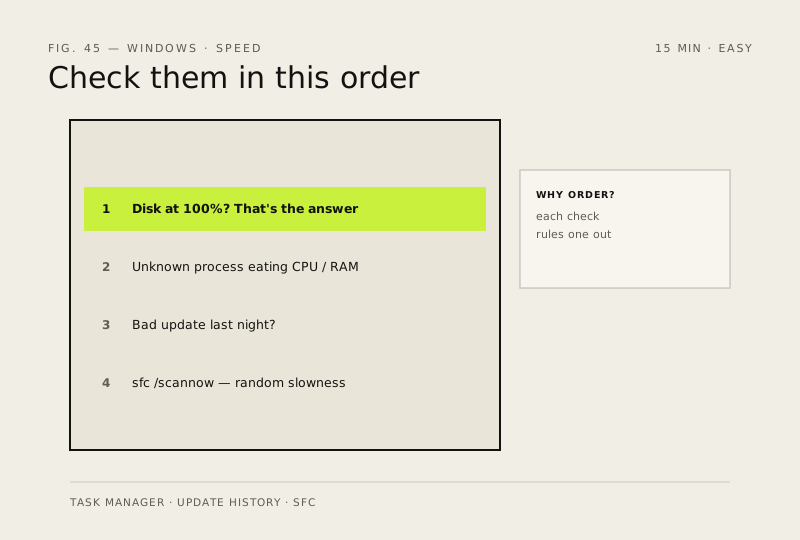
When a fast PC suddenly crawls, it's almost always one of four things. Check them in this order.
Before you start
Medium risk. This change is reversible — you can return to the previous state without professional help or data loss.
Steps
- Task Manager → Performance: is the Disk at 100%? (that's your HDD or a dying drive — the answer)
- Processes tab sorted by Memory or CPU: is something you don't recognise eating resources?
- Did a Windows Update land last night? Sometimes a bad driver updates itself
- Run sfc /scannow — corrupted system files present as 'random slowness', not crashes
How to verify the fix
Disk usage is no longer pinned at 100%, the culprit process or update is identified, and overall responsiveness returns.
If this didn't fix it
Disk still pegged at 100% or slowness continues after all four checks — the drive may be failing; run a disk health check.
Next stop: the related fixes below, or start a guided diagnosis.