 EmTech Media
Win 10 / 11 · Security
Hardening: accounts, updates, and the firewall
The default Windows firewalls work. What most people skip is the 20 minutes of account hygiene that prevents 90% of incidents.
Before you start
Low risk. This change is reversible — you can return to the previous state without professional help or data loss.
Steps
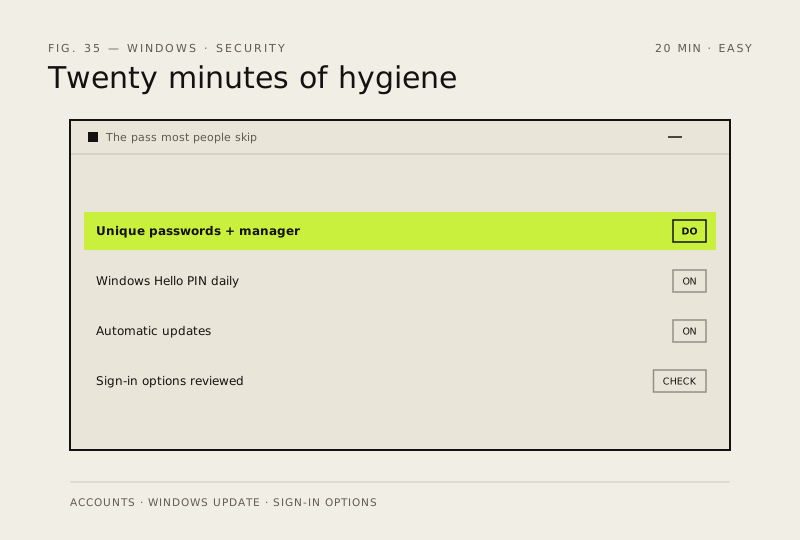
- Use a unique password per critical account, in a password manager (Bitwarden, 1Password, or the built-in Windows Credential Manager)
- Turn on Windows Hello (PIN / face) for daily login, keep the real password as your emergency fallback
- Check 'Use dynamic updates' and 'Automatic (recommended)' are both on under Windows Update
- In Settings → Accounts → Sign-in options, review which apps can start you up
How to verify the fix
Windows Hello signs you in daily, each critical account has its own password in your manager, and Windows Update stays on Automatic.
If this didn't fix it
You can't sign in with your PIN or updates paused themselves — re-check Sign-in options and the update settings.
Next stop: the related fixes below, or start a guided diagnosis.