 EmTech Media
Win 10 / 11 · Windows
Install PowerToys — Microsoft's free utility pack
Microsoft's own free toolkit fixes the little things Windows gets wrong. It's official, safe and better than most paid utilities.
Before you start
Low risk. This change is reversible — you can return to the previous state without professional help or data loss.
Steps
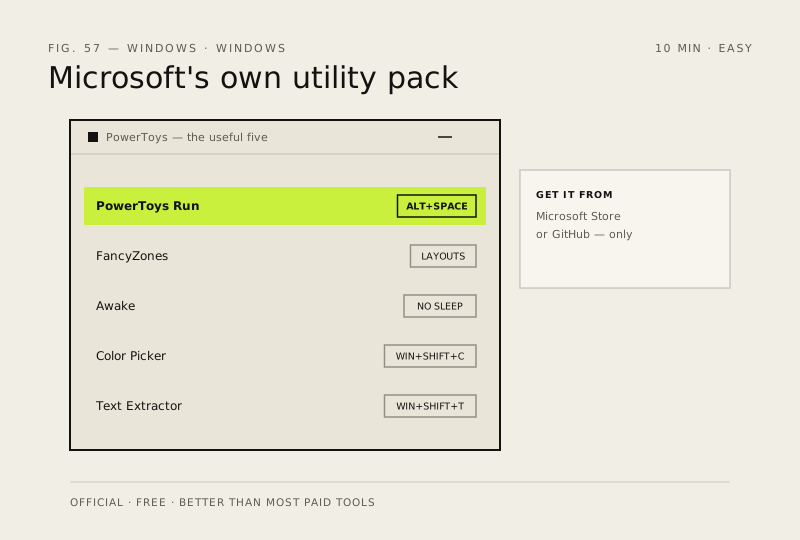
- Get it from the Microsoft Store (search 'PowerToys') or GitHub — never a third-party download site
- PowerToys Run (Alt + Space): a fast app launcher that also does math and unit conversion
- FancyZones: snap windows into custom layouts — ideal for dual-monitor setups
- Awake keeps the PC from sleeping while you render or download; Color Picker samples any on-screen colour with Win + Shift + C
- Text Extractor (Win + Shift + T): grab text straight out of screenshots, including PDFs and video frames
How to verify the fix
PowerToys Run (Alt + Space), FancyZones and Text Extractor all respond as described after installing from the Store/GitHub.
If this didn't fix it
A PowerToys utility crashes or doesn't appear — update it via the app's updater; avoid third-party download sites entirely.
Next stop: the related fixes below, or start a guided diagnosis.