 EmTech Media
Win 10 / 11 · Windows
Make your desktop feel like a Mac (without the price)
Most Windows 'looks bad' complaints are just missing a few settings. A 15-minute pass makes it look dramatically cleaner.
Before you start
Low risk. This change is reversible — you can return to the previous state without professional help or data loss.
Steps
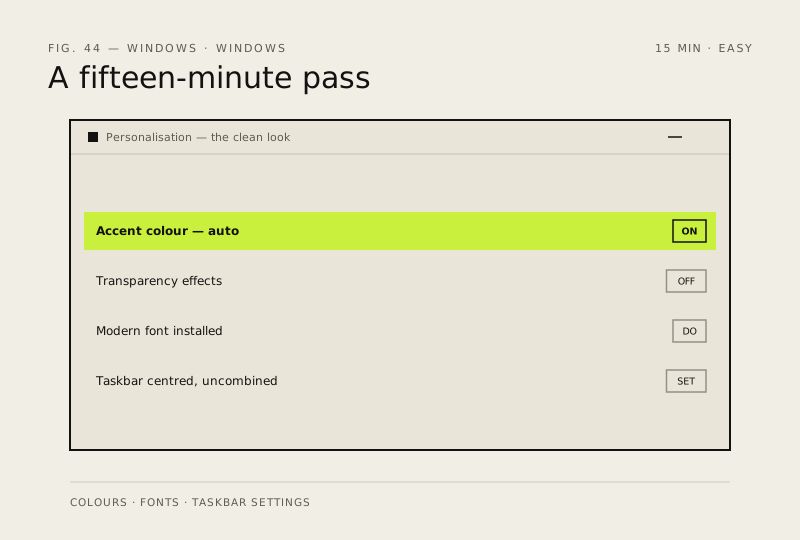
- Settings → Personalisation → Colours → pick a base colour, turn on 'Accent colour' auto
- Turn off 'Transparency effects' for a flatter, cleaner look (and it's faster on weak GPUs too)
- Settings → Personalisation → Fonts → install a modern one (Inter, Segoe UI Variable, or JetBrains for a technical feel)
- Taskbar: right-click → Taskbar settings → turn off 'Combine taskbar buttons ever' and move to centre
How to verify the fix
Transparency is off, the accent colour applies across the UI, and the taskbar sits centred as configured.
If this didn't fix it
A setting reverts after a Windows update — re-apply it; some personalisation resets on major updates.
Next stop: the related fixes below, or start a guided diagnosis.