 EmTech Media
Win 10 / 11 · Windows
Master the keyboard shortcuts that save hours
You're probably doing 90% of your work with the mouse. Ten keys below will shave minutes off every single day.
Before you start
Low risk. This change is reversible — you can return to the previous state without professional help or data loss.
Steps
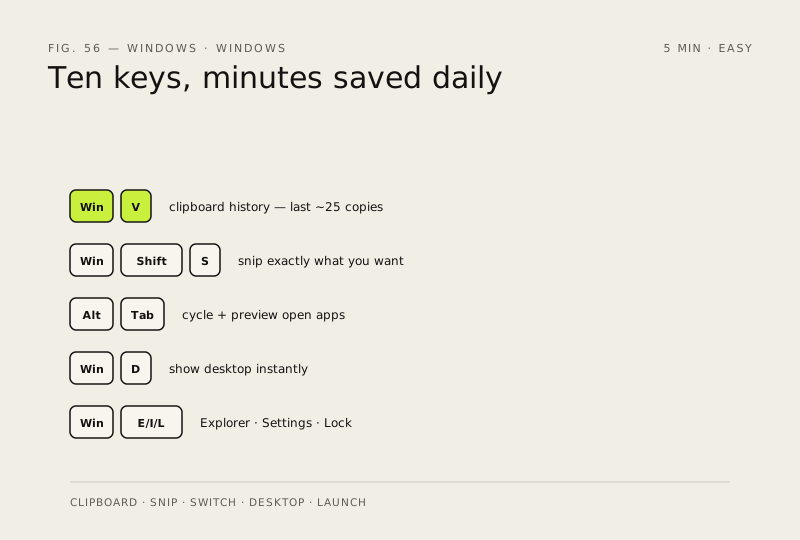
- Win + V opens clipboard history — paste any of your last ~25 copies, not just the latest one (enable it on first use)
- Win + Shift + S snips exactly what you want to capture instead of a full-screen screenshot
- Alt + Tab cycles open apps; hold Alt and mash Tab to preview them — faster than hunting the taskbar
- Win + D shows your desktop instantly (press again to bring everything back) — perfect for a quick glance away from work
- Win + E opens File Explorer, Win + I opens Settings, Win + L locks your PC when you step out of the room
How to verify the fix
Win + V, Win + Shift + S and Alt + Tab work as described in your daily workflow without hunting for menus.
If this didn't fix it
A shortcut does nothing — enable clipboard history on first use of Win + V, or check that a game overlay isn't capturing the key.
Next stop: the related fixes below, or start a guided diagnosis.