 EmTech Media
Win 10 / 11 · Windows
Move everything to a new PC
The files are the easy part. What catches people out is the browser profile, the licence keys and the two-factor codes — sort those before the old machine gets wiped.
Before you start
Medium risk. This change is reversible — you can return to the previous state without professional help or data loss.
Steps
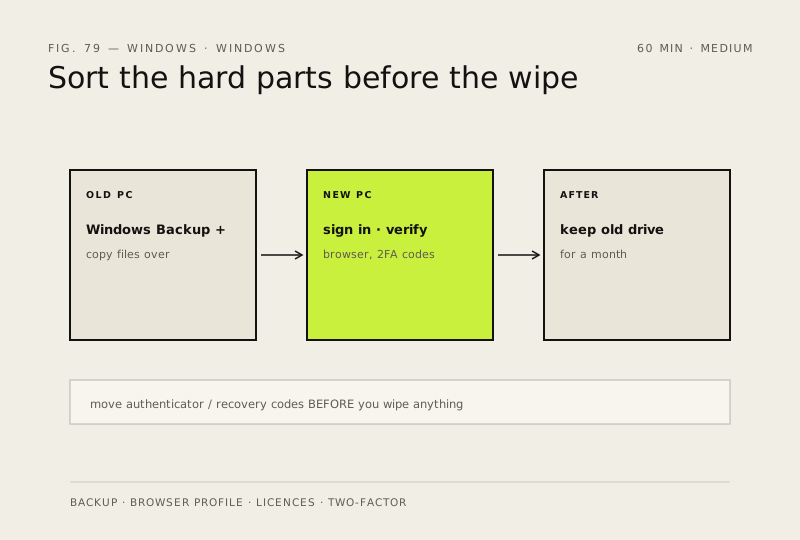
- Sign in on the old PC with a Microsoft account and use Windows Backup (Settings → Accounts → Windows Backup) to carry settings and your app list across
- Copy the actual data yourself over an external drive or the network — for large folders it's faster and far more predictable than any migration tool
- Sign into your browser on the new PC to pull bookmarks, saved passwords and extensions, and confirm they've arrived before you wipe anything
- Move your authenticator app across, or export the recovery codes first. Being locked out of your own 2FA is the one mistake here that's genuinely hard to undo
- Keep the old drive intact for a month. Something always turns out to be missing in week three
How to verify the fix
Bookmarks, passwords, extensions and 2FA codes all work on the new PC, confirmed before the old machine is wiped.
If this didn't fix it
Something is missing after the switch — the old drive was kept intact for a month; recover from it rather than re-doing the migration.
Next stop: the related fixes below, or start a guided diagnosis.