 EmTech Media
Any · Hardware
Pick an SSD that's actually fast
Not all solid-state drives are equal. The label tells you almost nothing — the interface and the NAND type do.
Before you start
Low risk. This change is reversible — you can return to the previous state without professional help or data loss.
Steps
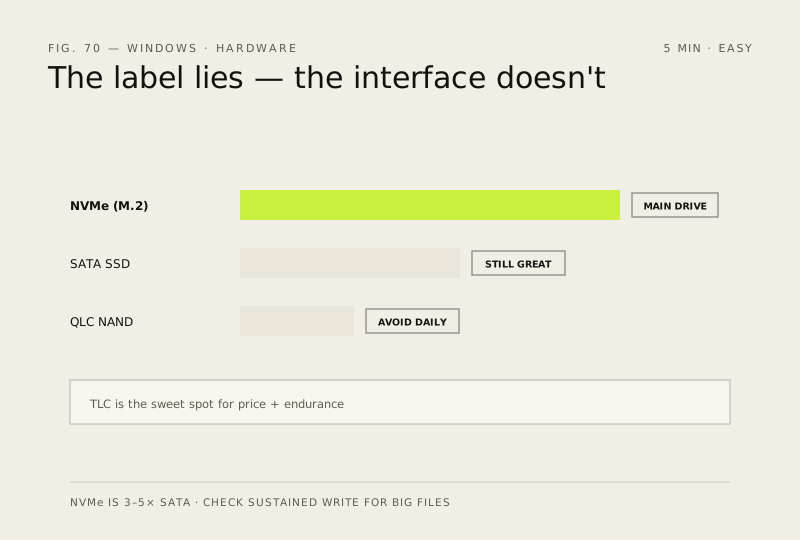
- For your main drive, buy NVMe (M.2) — it's 3–5× faster than SATA SSDs and costs about the same per GB now
- Avoid QLC drives for daily use: they're cheap but slow down badly once full; TLC is the sweet spot for price and endurance
- If your case only has a 2.5" bay, a SATA SSD is still a massive upgrade over any HDD — don't skip it because it's 'only' SATA
- Check the drive's sustained write speed if you move big files (video, VMs) — that number matters more than peak read speed
How to verify the fix
The drive you buy matches the interface your case supports (NVMe M.2, SATA or 2.5-inch), and its sustained write speed suits your workloads.
If this didn't fix it
A bought drive is far slower than expected — check it's seated in the right slot/interface; QLC drives slow down badly once full.
Next stop: the related fixes below, or start a guided diagnosis.