 EmTech Media
Any · Security
Spot a phishing email before you click
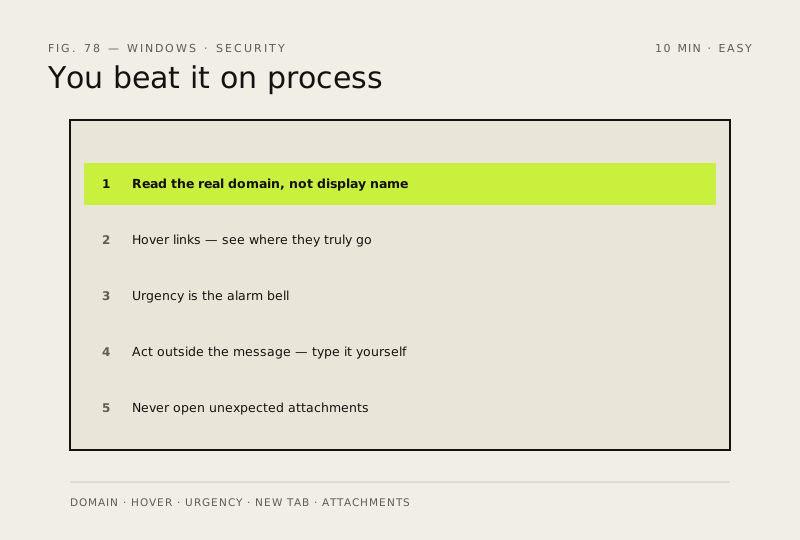
Modern phishing has no spelling mistakes and copies the real branding pixel for pixel. You beat it on process, not on how convincing the message looks.
Before you start
Low risk. This change is reversible — you can return to the previous state without professional help or data loss.
Steps
- Read the sender's actual domain rather than the display name — 'Microsoft Support <billing@micros0ft-secure.com>' is the entire tell
- Hover a link (long-press on a phone) and read where it truly goes before you click. On mobile that's the only reliable check you have
- Treat urgency as the alarm bell: 'account closing in 24 hours', 'unusual sign-in detected', 'payment failed' all exist to stop you thinking
- Never act from inside the message. Open a new tab, type the company's address yourself, and check your account there — if it's genuine, the notice will be waiting
- Unexpected attachment? Don't open it. .zip, .html and macro-enabled Office documents are the usual carriers
How to verify the fix
You can read the sender's real domain, hover-check a link's destination, and verify notices by typing the address yourself.
If this didn't fix it
You're unsure whether an email is genuine — don't act from inside it; open a new tab, type the site yourself, and check there.
Next stop: the related fixes below, or start a guided diagnosis.