 EmTech Media
Any · Security
Tighten up Edge and Firefox
The Chrome pass only covers one browser. Edge ships on every Windows PC whether you use it or not, and Firefox is the main alternative — both deserve the same ten minutes.
Before you start
Low risk. This change is reversible — you can return to the previous state without professional help or data loss.
Steps
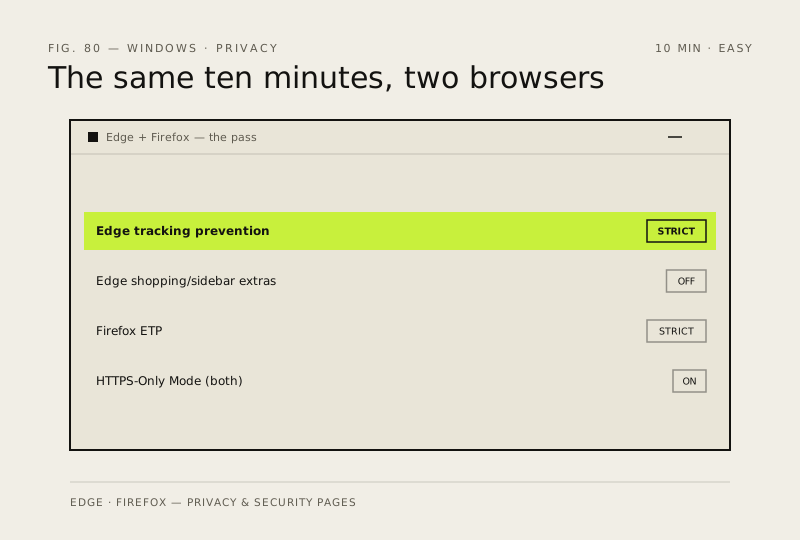
- Edge: Settings → Privacy, search and services → set Tracking prevention to Strict, and switch off 'Personalise your web experience'
- Edge: further down that same page, turn off the shopping, sidebar and Rewards extras — they're the noisiest part of the browser and none of them are load-bearing
- Firefox: Settings → Privacy & Security → Enhanced Tracking Protection → Strict, and tick 'Tell websites not to sell or share my data'
- Both: enable HTTPS-Only Mode, then audit your extensions and remove anything you don't recognise or haven't used in a month
How to verify the fix
Tracking prevention shows Strict, HTTPS-Only Mode is on, and only extensions you recognise remain installed.
If this didn't fix it
A site breaks under Strict protection — lower that one site's tracking level in settings rather than reverting everything.
Next stop: the related fixes below, or start a guided diagnosis.