 EmTech Media
macOS · Mac · Everyday fixes
Connected but no internet on your Mac? The safe network reset
Wi-Fi connected, little globe with a slash — the link is up but the path to the internet isn't. A safe, fully reversible reset of the lease and DNS cache fixes most of it.
Before you start
Medium risk. This change is reversible — you can return to the previous state without professional help or data loss.
Steps
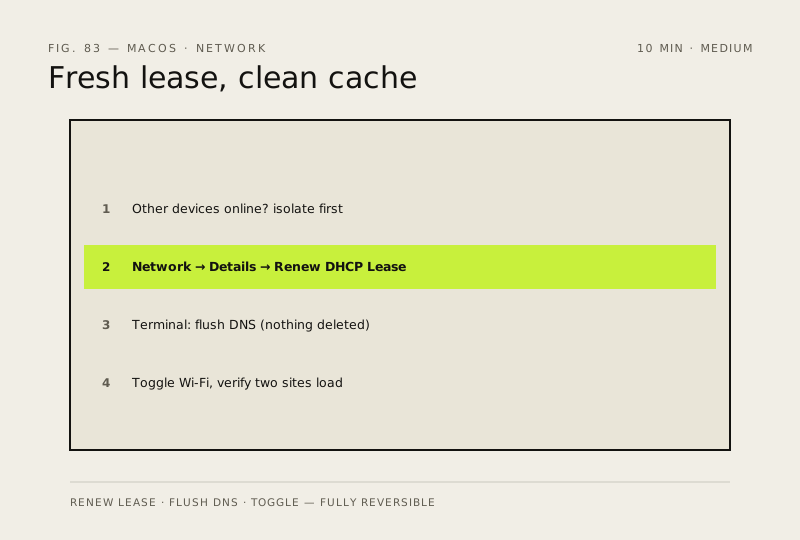
- Isolate first: do other devices on this network have internet? If not, reboot the router and check with your ISP before touching this Mac
- System Settings → Network → select your active connection → Details… → TCP/IP tab → click 'Renew DHCP Lease' for a fresh address from the router
- Flush the DNS cache in Terminal: sudo dscacheutil -flushcache && sudo killall -HUP mDNSResponder (you'll be asked for your password — nothing is deleted)
- Toggle Wi-Fi off and back on to force a fresh link, then open two different websites to confirm
How to verify the fix
Two different websites load fully in Safari or another browser, and a new tab opens without the 'can't connect' error.
If this didn't fix it
Still offline after the reset — if other devices on this network work fine, the problem is this Mac's radio or hardware, not the router; stop repeating resets and check the Wi-Fi adapter state before assuming an ISP outage.
Next stop: the related fixes below, or start a guided diagnosis.