 EmTech Media
macOS · Mac · Everyday fixes
Fix a Mac that won't start up
A black screen at boot is scary, but macOS has a recovery mode that fixes most of it without erasing anything.
Before you start
Medium risk. This change is reversible — you can return to the previous state without professional help or data loss.
What usually goes wrong
- If FileVault is on, Recovery asks for a user password before Disk Utility can even see the disk. There is no way past that prompt — no reset, no bypass. The password is the requirement.
- In Disk Utility, switch on View → Show All Devices and run First Aid from the bottom up: physical device first, then the container, then the volume. Running it on the volume alone skips the layer that is usually the broken one.
- 'Reinstall macOS' from Recovery isn't necessarily the version you were running — on Intel Macs it can offer the one the machine shipped with. Expect a large download and several hours on a slow connection.
- No chime, no fan, no light at all is a power problem rather than a software one. Try a different charger and cable before you go anywhere near Recovery.
Steps
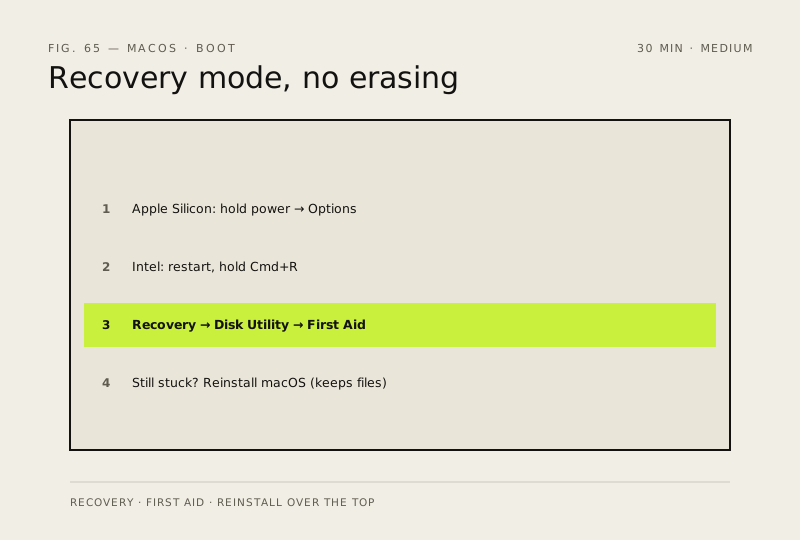
- Apple Silicon (M1–M4): press and hold the power button until 'Loading startup options' appears → Options → Continue
- Intel Macs: restart and immediately hold Cmd + R until the Apple logo or a spinning globe shows
- In Recovery, open Disk Utility → select your main drive → First Aid — this fixes most boot problems on its own
- If that fails, choose 'Reinstall macOS' from the recovery menu — it reinstalls over your existing system and keeps your files
How to verify the fix
The Mac boots normally after First Aid (or a reinstall), and your files are intact.
If this didn't fix it
First Aid reports unrepairable errors, or the Mac still won't boot — back up what you can before any erase/reinstall step.
Next stop: the related fixes below, or start a guided diagnosis.