 EmTech Media
macOS · Mac · Everyday fixes
Keep your Mac battery healthy
Lithium batteries age from heat and from sitting at full charge. macOS has one setting that quietly slows both down.
Before you start
Low risk. This change is reversible — you can return to the previous state without professional help or data loss.
Steps
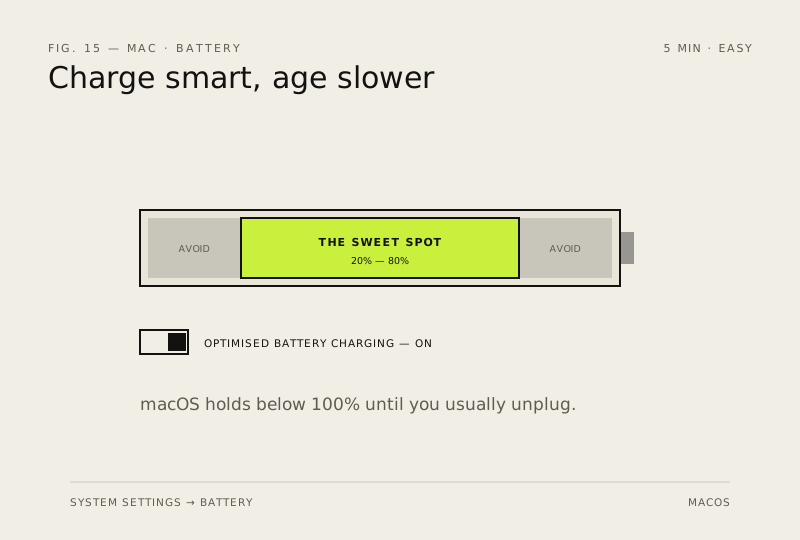
- System Settings → Battery → make sure Optimised Battery Charging is on — it learns your routine and holds below 100% until you usually unplug
- Check health any time: System Settings → Battery → Battery Health — 'Normal' with a good max capacity means you're fine
- Avoid sustained heat: no duvets, no direct sun while charging; a hot MacBook is an ageing battery
- Apple Silicon Macs handle charge cycles well — if the battery's health drops below ~80%, that's the point to consider service
How to verify the fix
Optimised Battery Charging is on, and Battery Health shows Normal with a good maximum capacity.
If this didn't fix it
Health drops below about 80% max capacity — consider Apple service; no setting will reverse that ageing.
Next stop: the related fixes below, or start a guided diagnosis.