 EmTech Media
macOS · Mac · Everyday fixes
Fix slow Wi-Fi on your Mac
Before you blame the router or the ISP, rule out the Mac side of the connection in ten minutes.
Before you start
Low risk. This change is reversible — you can return to the previous state without professional help or data loss.
Steps
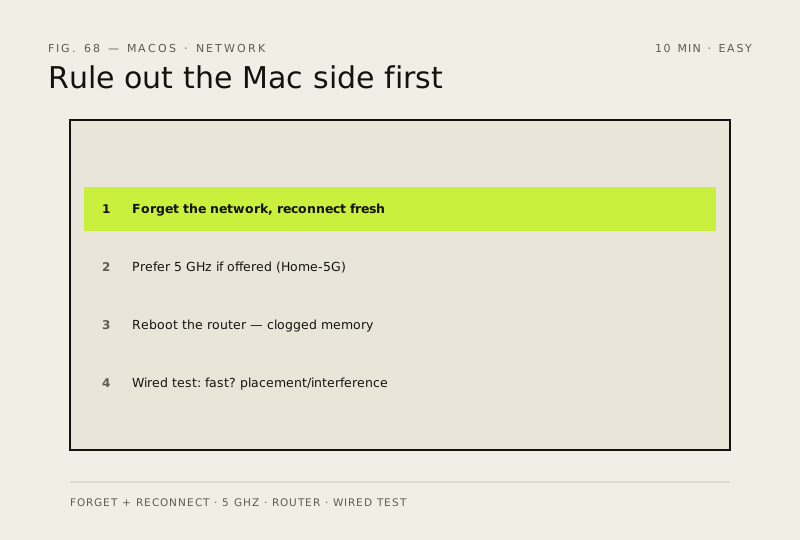
- Toggle Wi-Fi off and back on (menu bar → Control Center), then click the Wi-Fi icon → Details → 'Forget This Network' and reconnect with the password — this clears a stale handshake
- Check you're on 5 GHz if your router offers it (often named like 'Home-5G') — faster, less congested, shorter range
- Reboot the router: months of uptime clog its memory; if speed returns for a week and then sags again, schedule a weekly reboot
- Test wired vs Wi-Fi with an Ethernet adapter or USB-C hub — if wired is fast and Wi-Fi isn't, it's placement or interference, not your line
How to verify the fix
Wi-Fi speed matches your wired test (or the gap is explained by placement), and the connection stays stable on 5 GHz if available.
If this didn't fix it
Wired is fast but Wi-Fi still slow after forgetting/reconnecting — it's placement or interference; move closer or switch bands.
Next stop: the related fixes below, or start a guided diagnosis.