 EmTech Media
macOS · Mac · Speed & performance
Give Safari a proper clean-out
Safari accumulates website data, extensions and cache that quietly slow every page down. A five-minute pass brings back the speed you had in January.
Before you start
Low risk. This change is reversible — you can return to the previous state without professional help or data loss.
Steps
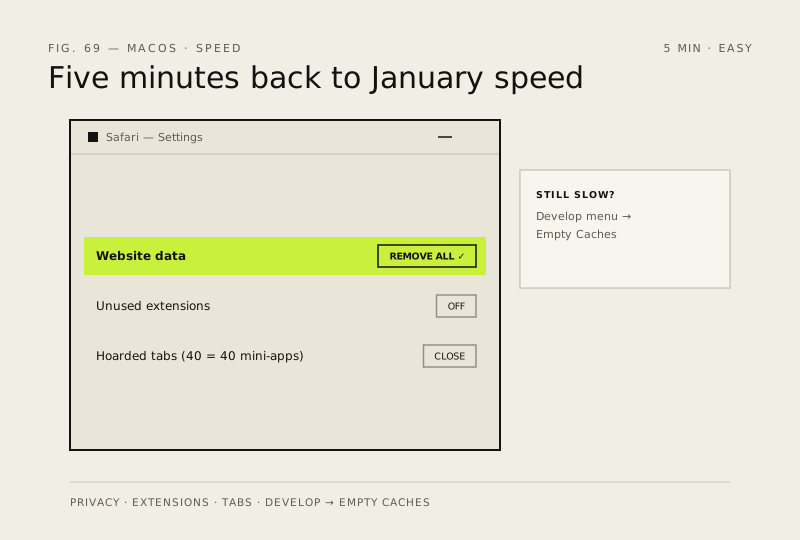
- Safari → Settings (or Preferences) → Privacy → Manage Website Data → Remove All — this clears cookies and cached files for every site
- Same settings window → Extensions tab → disable anything you haven't used in months; each one runs on every page load
- Close the tabs you've been hoarding — Safari keeps a live process per tab, and 40 tabs is 40 mini-apps
- Still sluggish? Settings → Advanced → tick 'Show Develop menu in menu bar', close all windows, then use Develop → Empty Caches
How to verify the fix
Safari loads pages at its old speed, and website data/extensions you removed no longer appear in Settings.
If this didn't fix it
Safari is still sluggish after the clean-out — close hoarded tabs (each runs a live process) before assuming hardware limits.
Next stop: the related fixes below, or start a guided diagnosis.