 EmTech Media
Win 10 / 11 · Windows
Make Windows Search actually useful again
When the Start menu search is slow or returns garbage, it's usually just the index and a few settings to fix.
Before you start
Low risk. This change is reversible — you can return to the previous state without professional help or data loss.
Steps
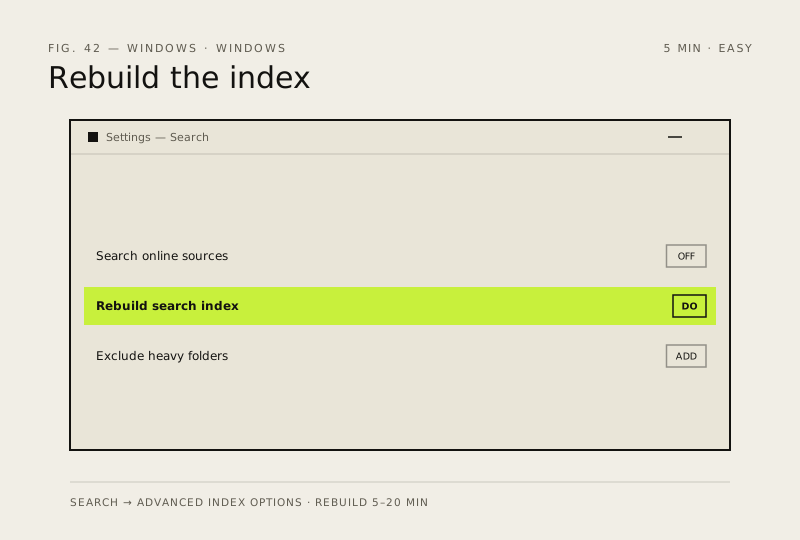
- Settings → Search → 'Search Windows' → turn off 'Search online and sources beyond Windows' if you don't want web results
- Settings → Search → 'Searching Windows' → Advanced index options → Rebuild (5–20 min one-off)
- Exclude the folders you know are search-killers (game install dirs, node_modules, virtual machine disks)
How to verify the fix
Start menu search returns fast, relevant results for files you know exist on this PC.
If this didn't fix it
Search is still slow or empty after the index rebuild — check your exclusions and run a disk health check.
Next stop: the related fixes below, or start a guided diagnosis.